


User Rating
4.2
Score
83
Free/Trial Support
Supported
Features
4 Features
Last Updated
Feb 04, 2026
What is ImgUpscaler?
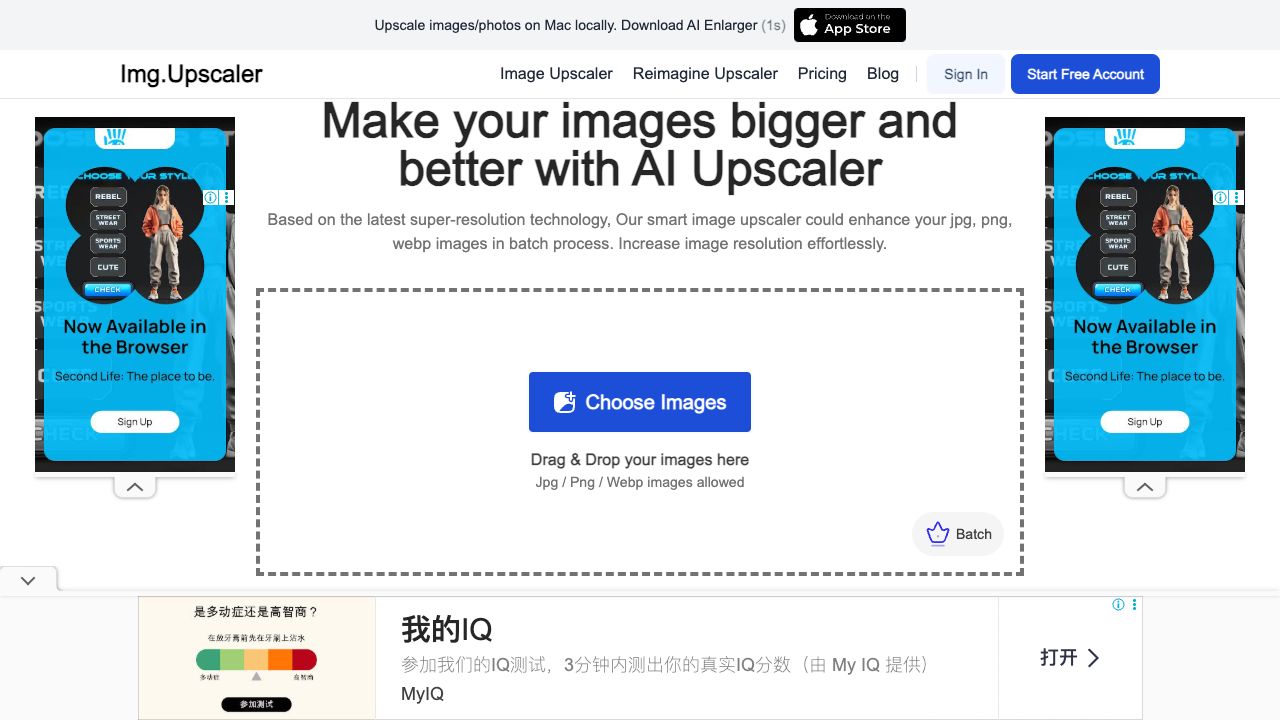
ImgUpscaler is an AI-powered online tool designed for upscaling and enhancing images. It allows users to increase the resolution of their images by 200% or 400% without significant quality loss. The tool supports batch processing for multiple images and various formats like JPG, PNG, and WEBP. It also offers additional features like background removal, image colorization, object removal, image resizing, and image conversion.
How to use ImgUpscaler?
To upscale an image, simply drag and drop the image onto the website, select the desired upscale ratio (200% or 400%), and click 'Upload and Start'. Once processed, you can preview and download the upscaled image.
Top Features
- AI-powered image upscaling
- Batch processing
- Image enhancement
- Background removal
- Image colorization
- Object removal
- Image resizing
- Image conversion
Pros & Cons
No Data
Use Cases
- Enhancing low-resolution photos for printing
- Improving image quality for websites and social media
- Restoring old or blurry photos
- Preparing images for commercial use
User Groups
No Data
ImgUpscaler Pricing
Free PlanSubscription Plan
No detailed pricing information available


Cover Preview
IMGUPSCALER Features
- AI Image Enhancer functionalityAI Image Enhancer
- AI Photo Enhancer functionalityAI Photo Enhancer
- AI Photo Editor functionalityAI Photo Editor
- AI Image Upscaler functionalityAI Image Upscaler