


User Rating
3.0
Score
60
Free/Trial Support
Supported
Features
4 Features
Last Updated
Jan 20, 2026
What is GitBrain?
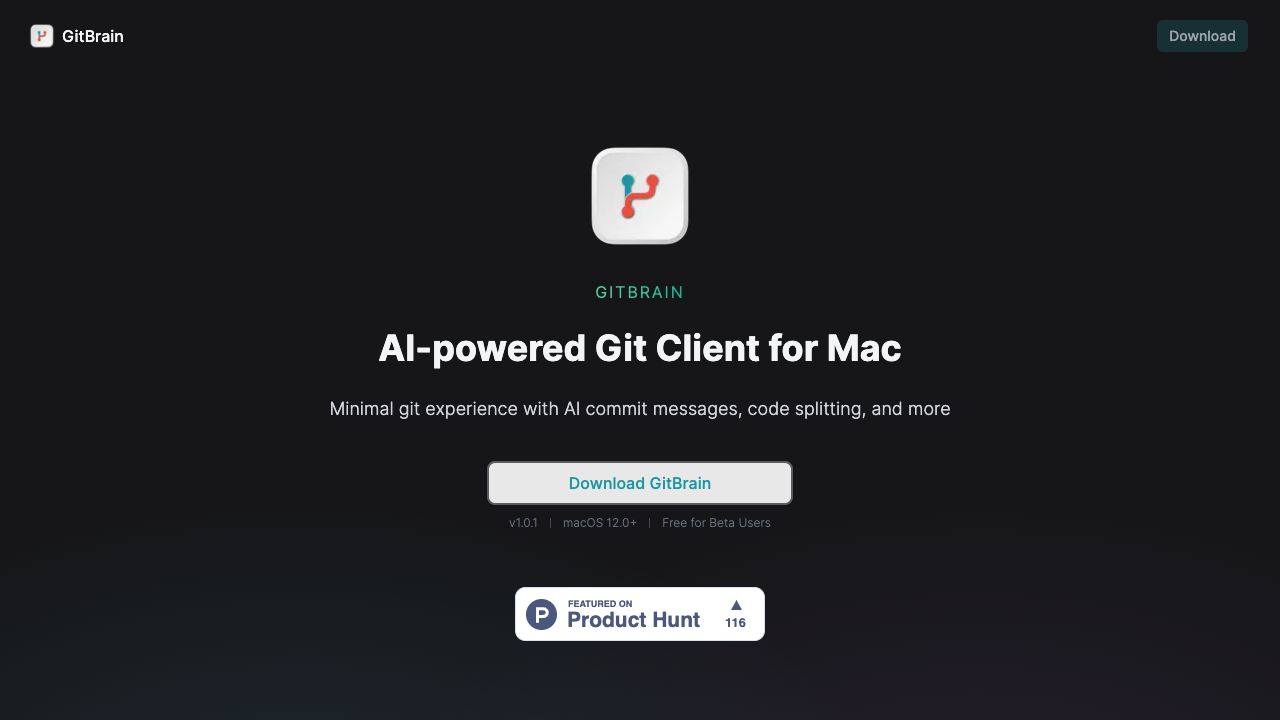
GitBrain is an AI-powered Git client for Mac designed to simplify Git workflows and maximize coding productivity. It intelligently understands code changes and provides suggestions for Git operations, reducing time spent on Git and allowing developers to focus on coding. Key features include intelligent code splitting, self-code review, and customizable commit message generation.
How to use GitBrain?
Download and install GitBrain on your Mac. The app automatically detects your project from your favorite IDEs. Use the AI-powered features to split code changes, generate commit messages, and review code before committing.
Top Features
- AI-powered code splitting into multiple commits
- Automatic self-code review summaries
- Customizable AI-generated commit messages
- Auto-detection of projects from IDEs
- Keyboard-friendly design with shortcuts
Pros & Cons
No Data
Use Cases
- Splitting large code changes into smaller, manageable commits
- Generating informative and consistent commit messages
- Reviewing code changes for potential issues before committing
- Managing Git operations efficiently with keyboard shortcuts
User Groups
No Data
GitBrain Pricing
Free PlanSubscription Plan
No detailed pricing information available


Cover Preview
GITBRAIN Features
- AI Code Assistant functionalityAI Code Assistant
- AI Developer Tools functionalityAI Developer Tools
- AI Productivity Tools functionalityAI Productivity Tools
- AI Code Review functionalityAI Code Review