

GhostCut
What is GhostCut?
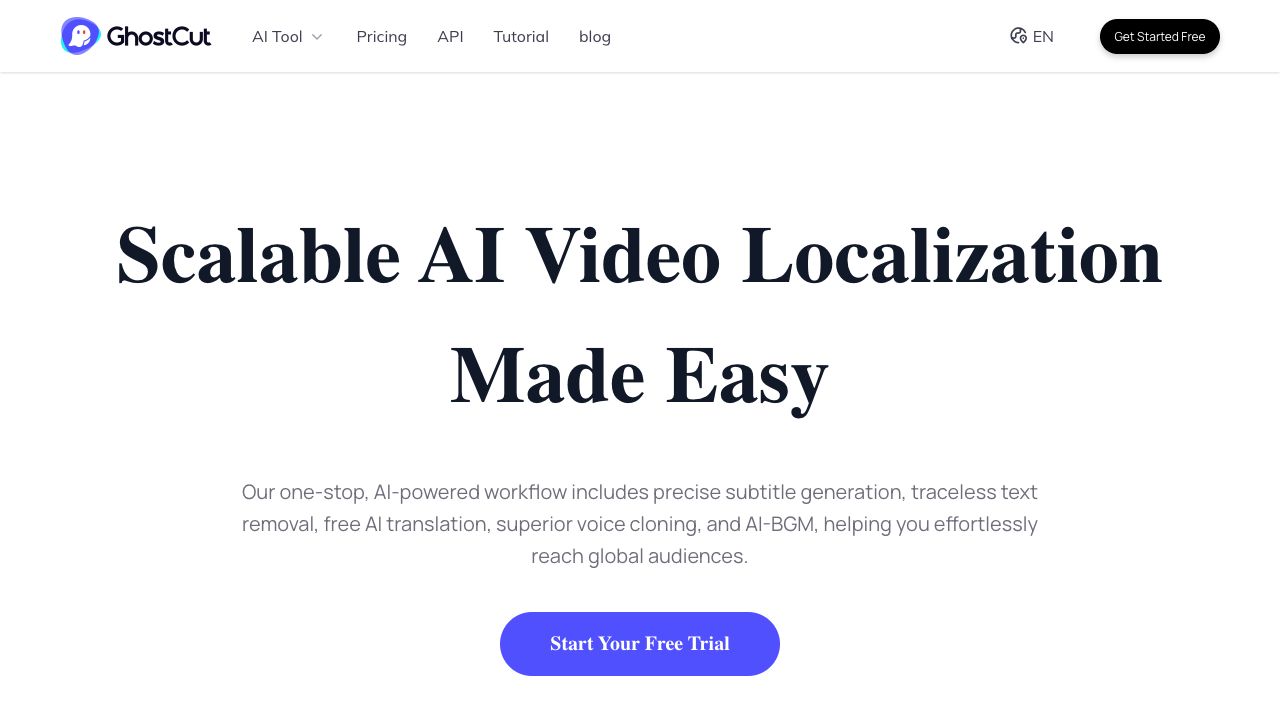
GhostCut is an intelligent video editing software that provides fully automated video text and audio translations, automatically translating text and speech within videos while maintaining the original subtitle style. It can also automatically remove text from videos. GhostCut offers features like video translation dubbing, hard subtitle translation, and video subtitle removal with one click. It also provides tools for video remaking, subtitle extraction, image translation, and image text removal.
How to use GhostCut?
Use GhostCut by uploading a video, selecting the desired function (translation, text removal, etc.), and letting the AI automatically process the video. The website offers various tools accessible through the main page, including options for video translation, smart text removal, and video remaking.
Top Features
- Automatic video translation and dubbing
- Hard subtitle translation
- Video subtitle removal
- Smart text removal from videos and images
- Video remaking
- Subtitle extraction
- Image translation
- Image text removal
Pros & Cons
No Data
Use Cases
- Translating videos for global audiences
- Removing unwanted text or subtitles from videos
- Creating unique videos by remixing existing content
- Translating text in images
- Removing text from images
User Groups
No Data
GhostCut Pricing


Cover Preview
GHOSTCUT Features
- AI Video Editor functionalityAI Video Editor
- AI Voice Cloning functionalityAI Voice Cloning
- AI OCR functionalityAI OCR
- AI Subtitle Generator functionalityAI Subtitle Generator
- AI Video Translator functionalityAI Video Translator
- Object Remover AI functionalityObject Remover AI
- AI Dubbing functionalityAI Dubbing
- AI Image Translator functionalityAI Image Translator
- AI Watermark Remover functionalityAI Watermark Remover