


FireCut AI
User Rating
2.0
Score
65
Free/Trial Support
Supported
Features
5 Features
Last Updated
Feb 05, 2026
What is FireCut AI?
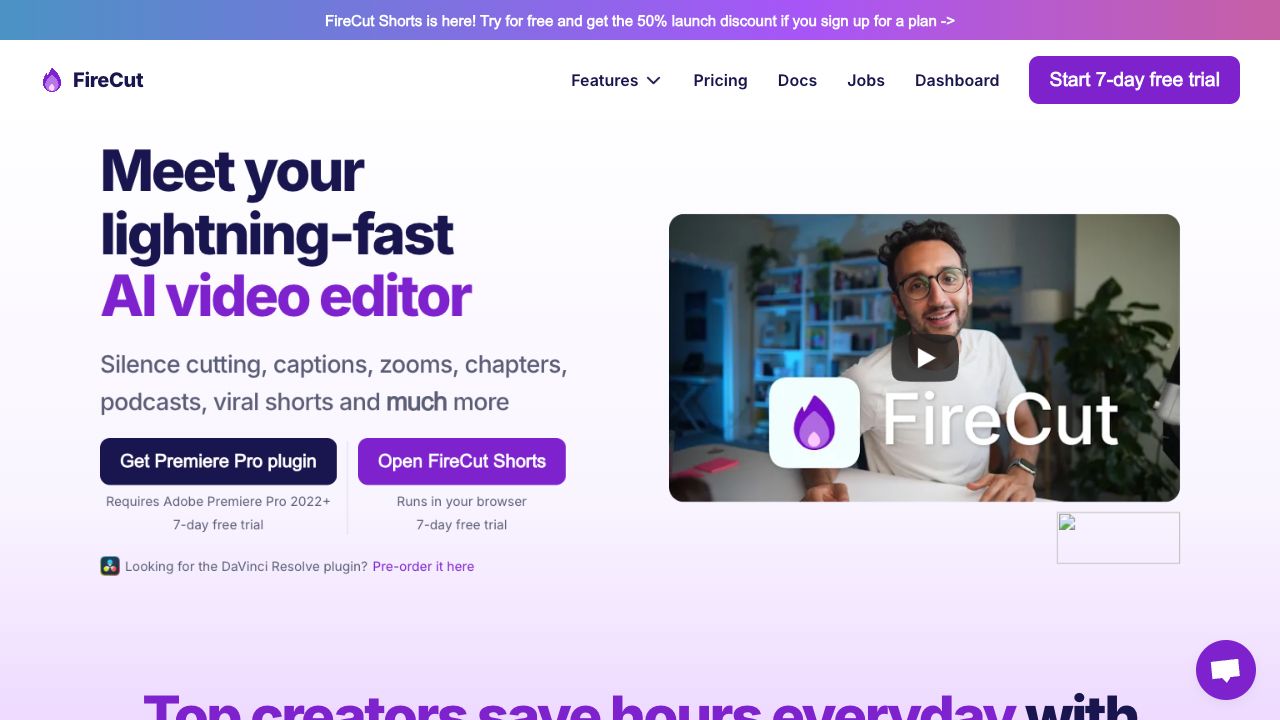
FireCut AI is a co-pilot for Adobe Premiere Pro that automates boring tasks such as cutting silences, removing repeated takes, adding captions, detecting chapters, and more. It boosts editing productivity by seamlessly integrating AI into the workflow, speeding up repetitive tasks like cleaning up footage, adding zoom cuts, and detecting chapters. FireCut also offers FireCut Shorts, a browser-based video editor for creating viral shorts with features like silence cutting, captions, B-roll integration, and audio enhancement.
How to use FireCut AI?
To use FireCut for Premiere Pro, install the plugin and use it within Adobe Premiere Pro 2022+. For FireCut Shorts, simply open the tool in your browser and upload your video.
Top Features
- Silence cutting
- Automatic captions in 50+ languages
- Zoom cuts
- Chapter detection
- B-roll integration (powered by Storyblocks)
- Audio enhancement (powered by AIcoustics)
- Filler word removal
- Profanity removal
- Repetition removal
- AI Speech Generation
Pros & Cons
No Data
Use Cases
- Automating repetitive video editing tasks
- Creating engaging captions for social media videos
- Quickly editing podcasts
- Generating viral short videos
- Cleaning up footage and removing silences
- Adding dynamic zoom cuts
- Optimizing videos for YouTube SEO with chapter detection
User Groups
No Data
FireCut AI Pricing
Free PlanSubscription Plan
No detailed pricing information available


Cover Preview
FIRECUT AI Features
- AI Video Editor functionalityAI Video Editor
- AI Video Enhancer functionalityAI Video Enhancer
- AI Short Video Generator functionalityAI Short Video Generator
- AI Caption Generator functionalityAI Caption Generator
- AI Podcast Editing functionalityAI Podcast Editing