


Evebyte Studio
A Windows software that allows easy control of Android devices without coding.
User Rating
2.0
Score
65
Free/Trial Support
Supported
Features
5 Features
Last Updated
Feb 05, 2026
What is Evebyte Studio?
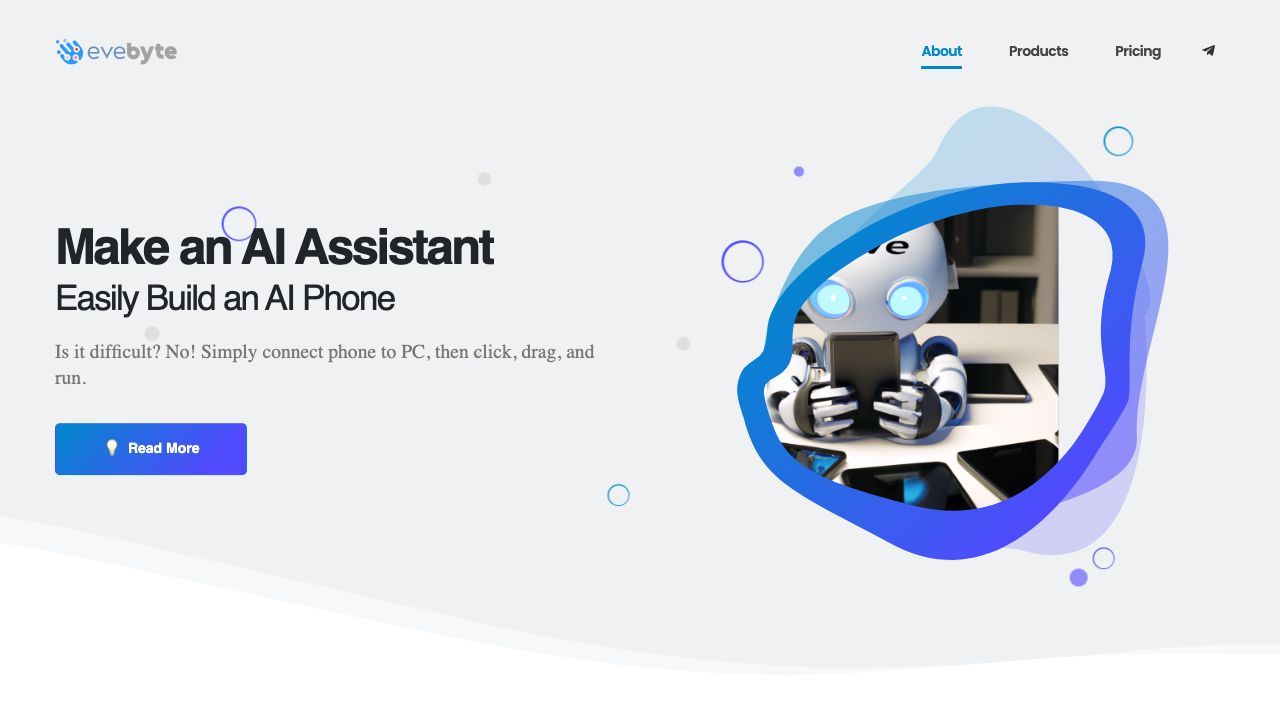
Evebyte Studio is a Windows software designed for controlling physical Android phone devices with a graphical interface, requiring no coding. It allows users to create single or multiple tasks for their phones and change task jobs at any time. It helps to create an AI Phone Assistant, managing various tasks across multiple phones connected to a PC.
How to use Evebyte Studio?
Connect your Android phone to your PC, then use the Evebyte Studio software to click, drag, and run tasks. The software provides a graphical interface for easy control and task management.
Top Features
- Graphical interface for Android phone control
- No coding required
- Task creation and management
- Multi-phone management
Pros & Cons
No Data
Use Cases
- Creating an AI Phone Assistant
- Automating tasks on Android phones
- Managing multiple Android devices from a PC
User Groups
No Data
Evebyte Studio Pricing
Free PlanSubscription Plan
No detailed pricing information available


Cover Preview
EVEBYTE STUDIO Features
- No-Code&Low-Code functionalityNo-Code&Low-Code
- AI App Builder functionalityAI App Builder
- AI Productivity Tools functionalityAI Productivity Tools
- AI Task Management functionalityAI Task Management
- AI Assistant functionalityAI Assistant