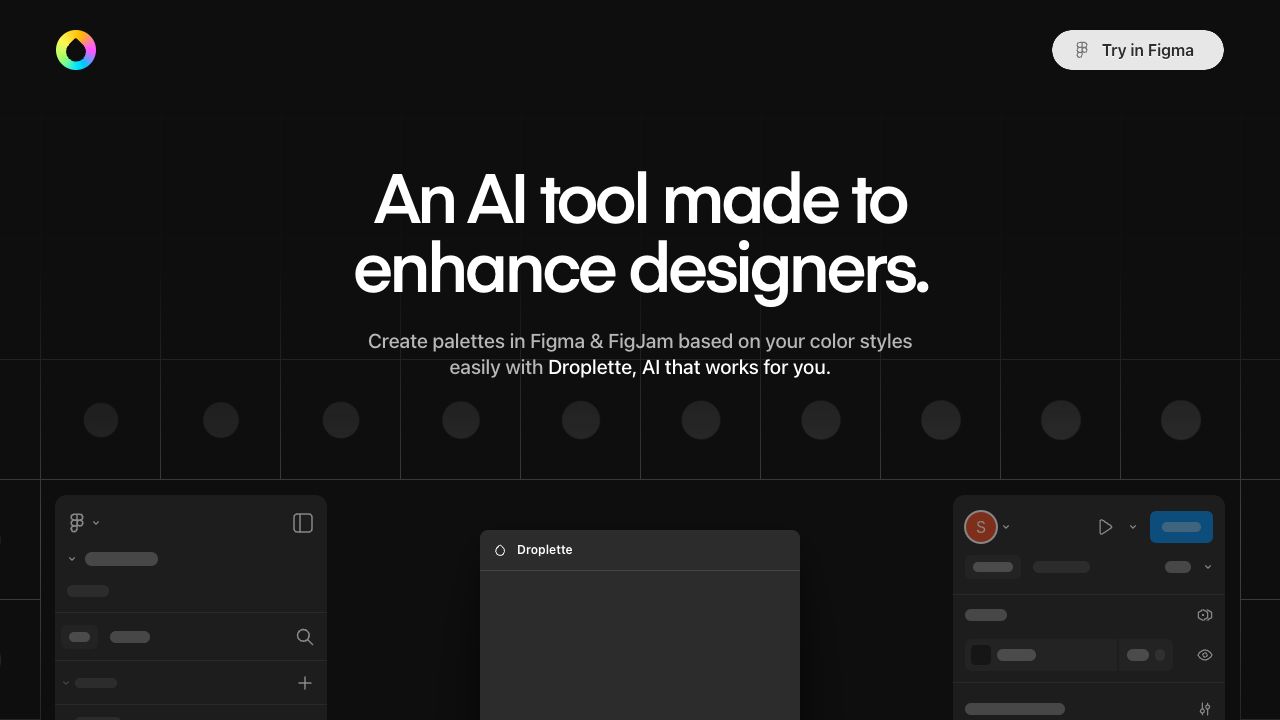
Droplette is an AI-powered color palette generator for Figma & FigJam. It allows designers to generate smart color palettes tailored to their design style. It offers simple setup and endless creative possibilities, enhancing designers' workflow by creating palettes based on color styles easily.
To use Droplette, select the colors you want to work with or hook up your styles. You can also grab colors from frames, and the AI will use these as a basis for creating unique palettes. Sync your color styles with Droplette to inform the AI what colors it can work with, helping you keep on brand and on track. Adjust your generated palette to suit your needs with ease, and iterate on your palette as much as you like.
No Data
Frequency of use
Based on 325 reviews
Use this tool Daily 50%
Be the first to review this tool!