


CraftUI
Generate UI components effortlessly from prompts using CraftUI.
User Rating
3.5
Score
65
Free/Trial Support
Supported
Features
6 Features
Last Updated
Feb 18, 2026
What is CraftUI?
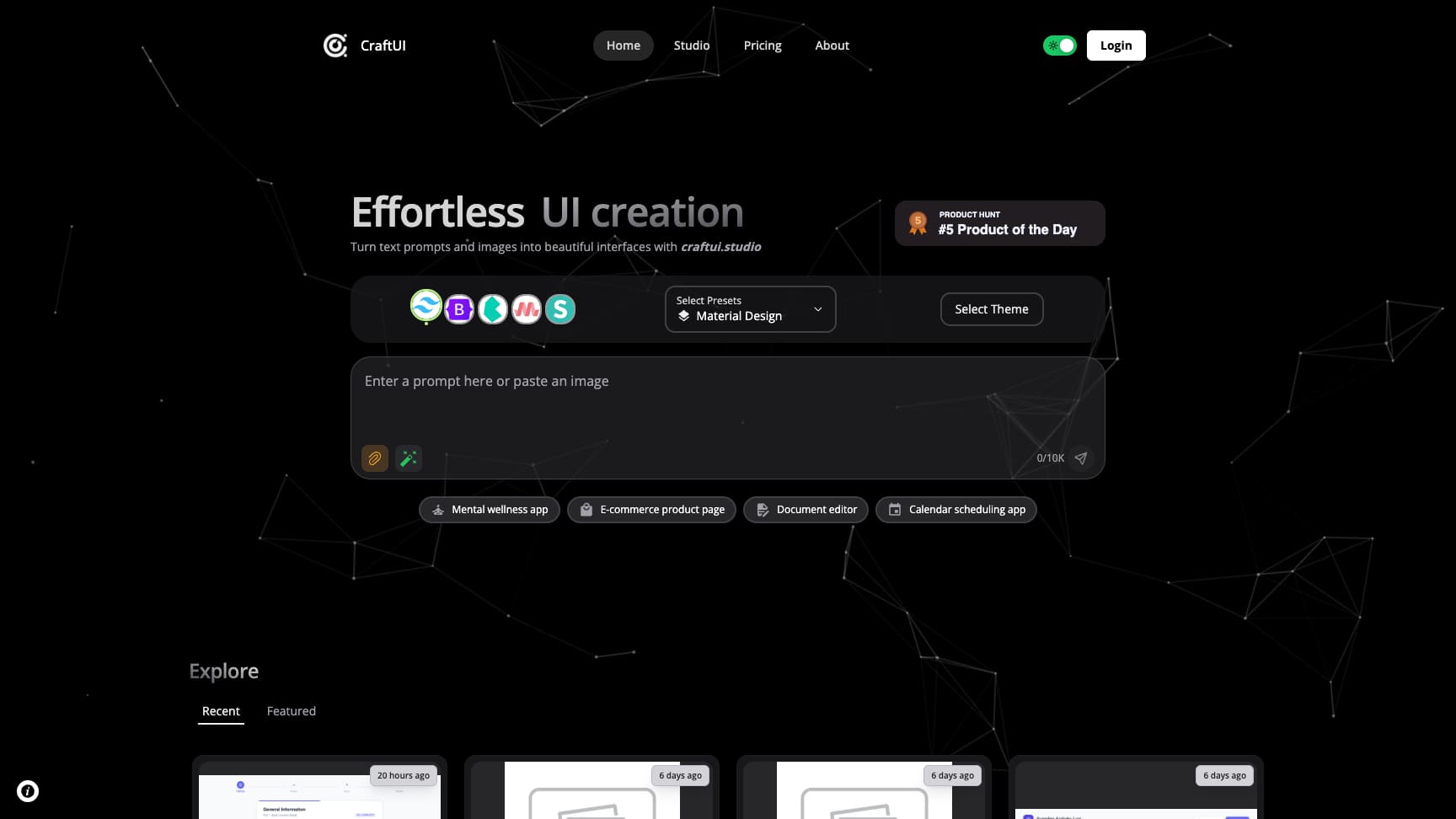
CraftUI is a web application that simplifies UI development by generating components from image and text prompts. It offers features like adding themes, selecting styling frameworks, exploring sections, code view and conversion, version history, and element inspection. CraftUI aims to make UI design effortless with powerful tools and AI insights, allowing users to convert sketches into UI with a single click.
How to use CraftUI?
Users can input text prompts or upload images to CraftUI. The platform then uses AI to generate UI components based on the input. Users can further customize the generated UI by selecting styling frameworks, themes, and exploring different sections.
Top Features
- UI component generation from image/text prompts
- Theme selection
- Styling framework selection (Tailwind, Bootstrap, Bulma, Materialize, Semantic UI)
- Code view and conversion
- Version history
- Element inspection
Pros & Cons
No Data
Use Cases
- Quickly create UI components for web applications
- Convert sketches or images into functional UI elements
- Generate UI from text descriptions
- Explore different UI styles and themes
User Groups
No Data
CraftUI Pricing
Free PlanSubscription Plan
No detailed pricing information available


Cover Preview
CRAFTUI Features
- Text to Image functionalityText to Image
- Image to Image functionalityImage to Image
- AI Website Builder functionalityAI Website Builder
- No-Code&Low-Code functionalityNo-Code&Low-Code
- AI Design Generator functionalityAI Design Generator
- AI UX Design functionalityAI UX Design