


User Rating
3.0
Score
60
Free/Trial Support
Supported
Features
3 Features
Last Updated
Feb 05, 2026
What is Code to Flowchart?
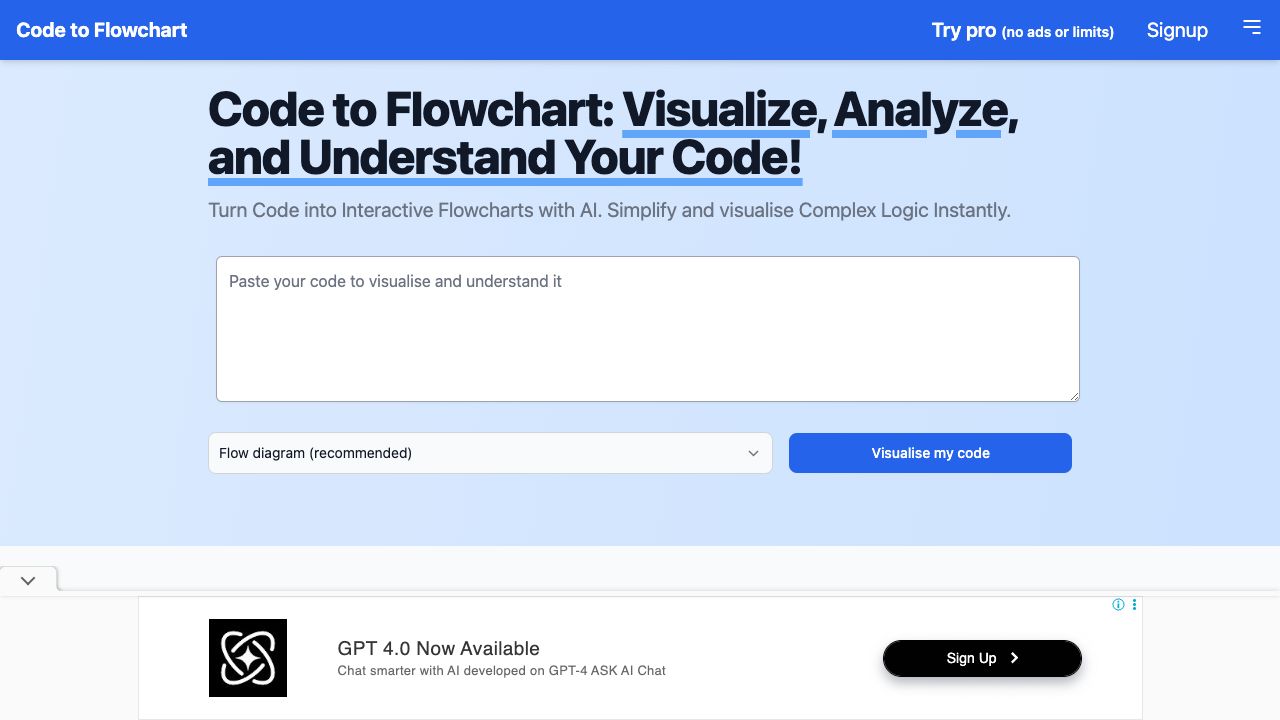
Code to Flow is an AI-powered tool that transforms code into interactive flowcharts, sequence diagrams, and class diagrams. It simplifies complex logic instantly, helping users visualize, analyze, and understand their code. The platform supports all major programming languages and offers features like diagram export, customizable color schemes, and a code debugging option.
How to use Code to Flowchart?
To generate a flowchart, paste your code into the editor, select the desired diagram type (flowchart, sequence diagram, class diagram, etc.), and click 'Generate Flowchart'. You can then explore, download, zoom, or share the generated diagram.
Top Features
- AI-powered code analysis and visualization
- Support for multiple diagram types (flowchart, sequence diagram, class diagram)
- Support for all major programming languages
- Diagram export (SVG, PNG, PDF)
- Customizable color schemes and themes
- Code debugging option
Pros & Cons
No Data
Use Cases
- Visualizing code logic for personal projects
- Converting code to flowcharts for note-taking and knowledge management
- Improving communication in development teams
- Planning and discussing project stages effectively
- Streamlining code reviews
- Optimizing task delegation and tracking in coding projects
User Groups
No Data
Code to Flowchart Pricing
Free PlanSubscription Plan
No detailed pricing information available


Cover Preview
CODE TO FLOWCHART Features
- AI Code Assistant functionalityAI Code Assistant
- AI Developer Tools functionalityAI Developer Tools
- AI Diagram Generator functionalityAI Diagram Generator