


Capsule
User Rating
3.0
Score
60
Free/Trial Support
Supported
Features
7 Features
Last Updated
Feb 05, 2026
What is Capsule?
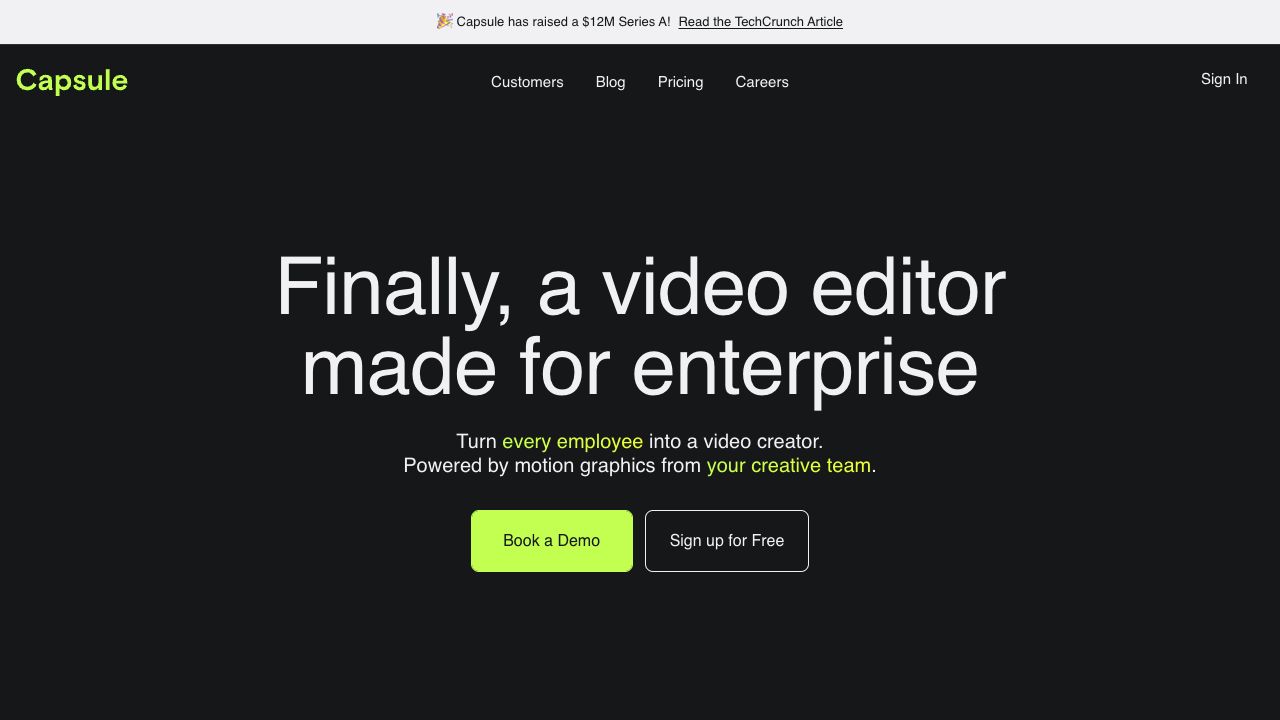
Capsule is an AI-powered video editor designed for content and marketing teams. It enables users to create stunning videos 10x faster, collaborate seamlessly, and maintain brand consistency. Capsule empowers every employee to become a video creator by leveraging motion graphics from the creative team. It offers features like real-time collaboration, AI-powered assistance, and tools to transform speech into studio-quality sound.
How to use Capsule?
Users can transform After Effects files into responsive templates, add them to videos in one click, share project links for feedback, and utilize AI-powered tools for tasks like generating captions, titles, and B-roll. The platform also supports real-time collaboration for faster video publishing.
Top Features
- AI-powered video editing assistant (CoProducer)
- VoiceMagic for studio-quality sound
- Auto Frame for responsive graphics
- AI-generated captions and titles
- AI-generated B-roll
- Real-time collaboration
Pros & Cons
No Data
Use Cases
- Creating animated slides, paid media, social posts, internal trainings, case studies, and branded UGC.
- Producing long-form cutdowns, customer testimonials, sales enablement materials, event recaps, product demos, and knowledge base content.
User Groups
No Data
Capsule Pricing
Free PlanSubscription Plan
No detailed pricing information available


Cover Preview
CAPSULE Features
- AI Video Editor functionalityAI Video Editor
- Text to Video functionalityText to Video
- AI Audio Enhancer functionalityAI Audio Enhancer
- AI Assistant functionalityAI Assistant
- AI Marketing functionalityAI Marketing
- AI Subtitle Generator functionalityAI Subtitle Generator
- AI Title Generator functionalityAI Title Generator