


User Rating
4.5
Score
92
Free/Trial Support
Supported
Features
5 Features
Last Updated
Feb 05, 2026
What is CapCut?
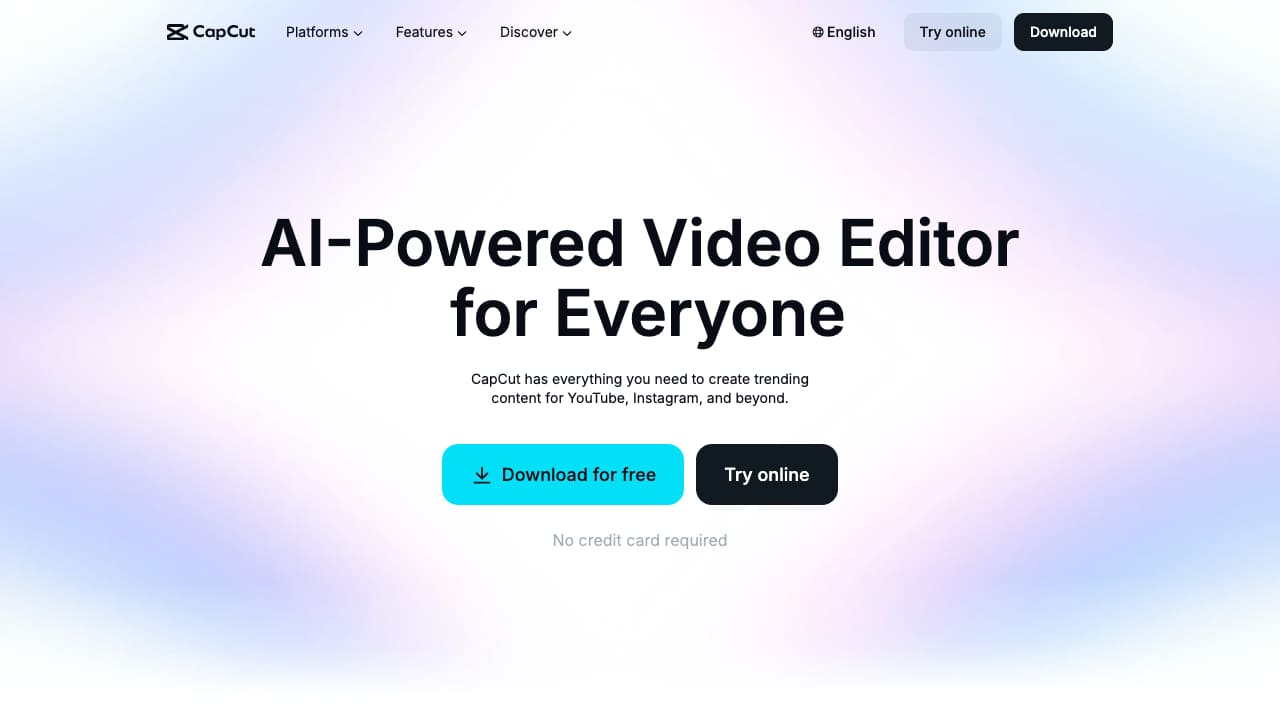
CapCut is an all-in-one video editor and graphic design tool driven by AI. It offers a range of products including desktop and mobile video editors, and an online creative suite. CapCut provides various video and audio editing tools, text and asset options, and AI magic tools to enhance video creation. It also offers solutions for creativity, lifestyle, and marketing & business needs, along with resources and editing tips.
How to use CapCut?
To use CapCut, you can download the desktop or mobile app, or use the online creative suite. Choose the desired tool or feature, such as video editing, text-to-speech, or AI video generation, and follow the on-screen instructions to create and edit your content.
Top Features
- Video editing for desktop and mobile
- Online creative suite
- AI-powered tools (AI video generator, AI dubbing, etc.)
- Text-to-speech and AI voice generator
- Auto captions
- Video background remover
- Video stabilization
- Long video to short videos
- AI video upscaler
Pros & Cons
No Data
Use Cases
- Creating TikTok videos
- Making YouTube videos
- Designing Instagram Reels
- Producing marketing and business videos
- Creating lyric videos
- Making photo videos
- Generating AI avatars
- Restoring old photos
User Groups
No Data
CapCut Pricing
Free PlanSubscription Plan
No detailed pricing information available


Cover Preview
CAPCUT Features
- AI Background Remover functionalityAI Background Remover
- AI Video Editor functionalityAI Video Editor
- AI Speech-to-Text functionalityAI Speech-to-Text
- AI Text-to-Speech functionalityAI Text-to-Speech
- AI Subtitle Generator functionalityAI Subtitle Generator