


Arcwise
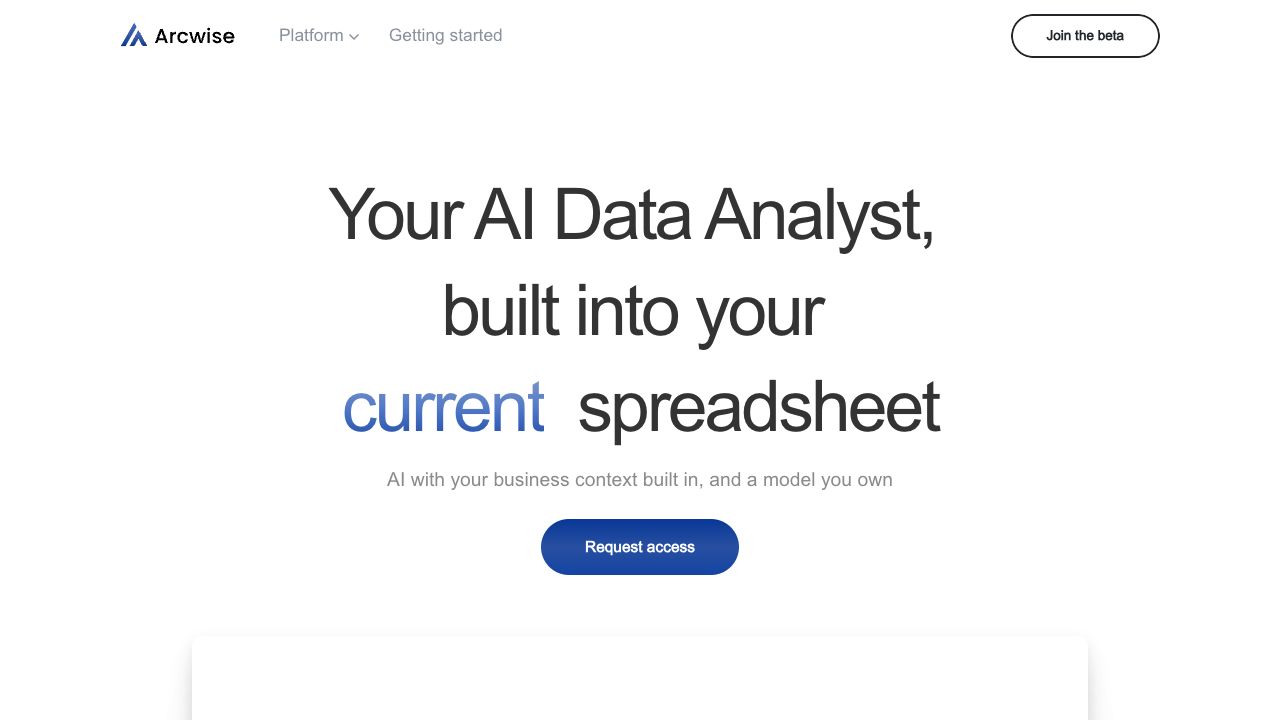
Arcwise: efficient data collaboration and analysis tool for spreadsheets.
User Rating
1.0
Score
60
Free/Trial Support
Supported
Features
6 Features
Last Updated
Jan 08, 2026
What is Arcwise?
Arcwise AI is an AI analyst built for Google Sheets, leveraging the AI behind ChatGPT to help users instantly understand, clean, and ingest data. It allows anyone to perform data analysis directly within their Google Sheets, connecting to data warehouses and BI tools to build SQL queries, tables, and reports. Arcwise AI aims to supercharge spreadsheet work by providing AI-driven insights and visualizations.
How to use Arcwise?
Connect your data warehouse and BI tools (Snowflake, BigQuery, Databricks, etc.). Install the Chrome extension for Google Sheets integration. Start asking questions, and Arcwise AI will build SQL queries, tables, and reports for analysis.
Top Features
- AI-powered data analysis directly in Google Sheets
- Connects to data warehouses and BI tools
- Generates SQL queries, tables, and reports
- Provides instant responses on stats and trends
- Automatic data visualization
- Customizable AI model training
Pros & Cons
No Data
Use Cases
- Automating report updates and saving hours of manual work
- Exploring data and getting instant answers to data-related questions
- Identifying patterns and trends through data visualization
- Deep diving into data to find drivers of changes and correct errors
User Groups
No Data
Arcwise Pricing
Free PlanSubscription Plan
No detailed pricing information available


Cover Preview
ARCWISE Features
- AI Charting functionalityAI Charting
- AI Spreadsheet functionalityAI Spreadsheet
- Large Language Models (LLMs) functionalityLarge Language Models (LLMs)
- AI For Data Analytics functionalityAI For Data Analytics
- AI Report Generator functionalityAI Report Generator
- SQL Query Builder functionalitySQL Query Builder