


What is Adobe Firefly?
Adobe Firefly is an all-in-one generative AI creative platform from Adobe that supports generation and editing of images, videos, audio, and vector graphics. It includes Adobe’s commercially safe Firefly models and partner AI models (e.g., from Google, OpenAI) and integrates with Adobe’s creative ecosystem like Photoshop and Premiere Pro. Firefly enables creators to ideate, generate, refine, and deliver AI-enhanced creative assets.
How to use Adobe Firefly?
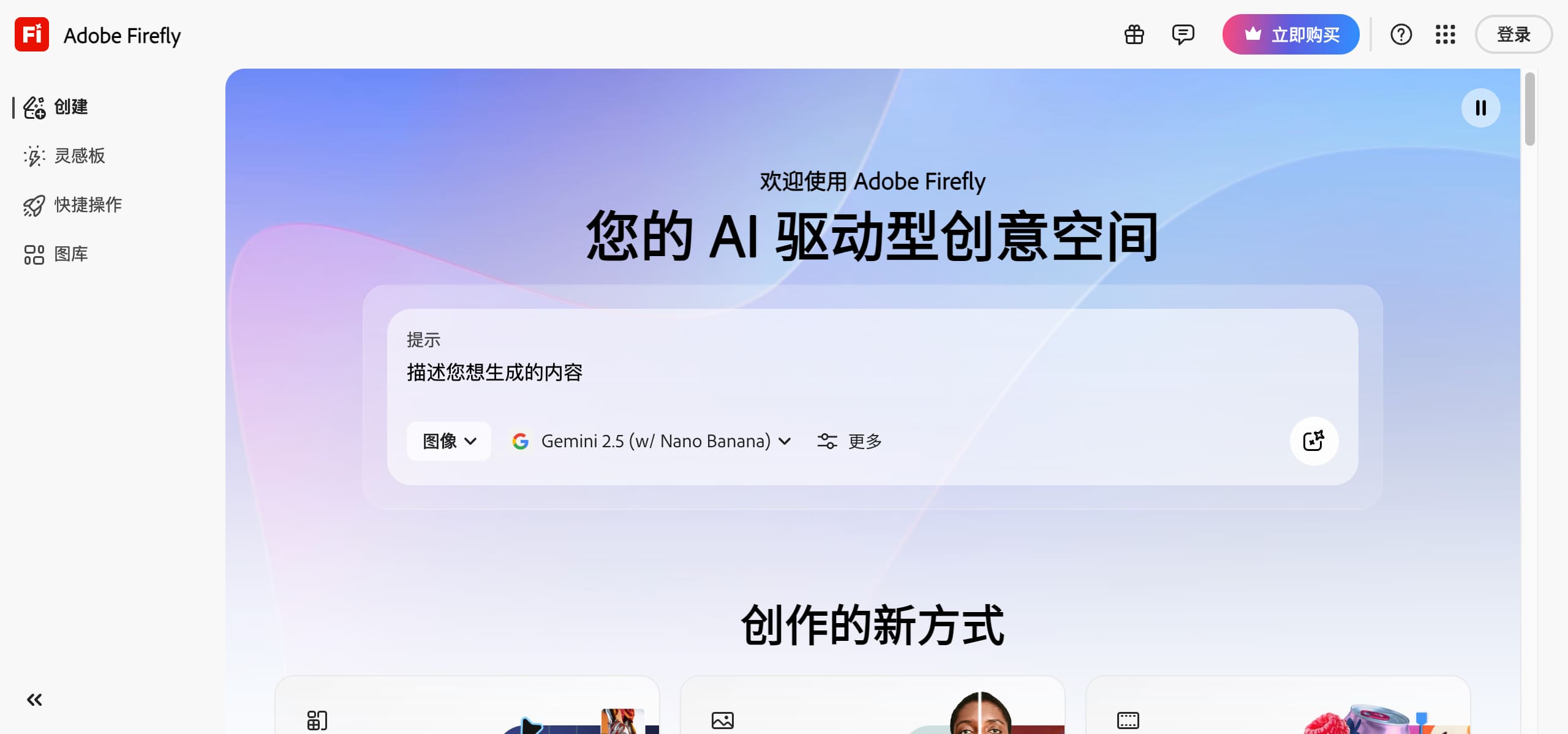
Choose a content type (e.g., text-to-image, video generation, audio creation). Enter text prompts, upload reference media, and specify styles or effects. Click Generate to produce content, then edit or refine as needed. Export or open the assets directly in Adobe tools like Photoshop or Premiere Pro for further work.
Top Features
- Text-to-Image AI Generation for rich visual assets.
- AI Video Creation & Editing with timeline control and prompt-based editing.
- AI Audio & Speech Generation including soundtracks and voiceovers.
- Text-to-Vector Creation for editable vectors and graphic design.
- Firefly Boards for Ideation – collaborative AI moodboards and concept boards.
- Prompt-to-Edit Tools – natural language-driven editing.
- Multi-AI Models – choose between Adobe’s and partner AI models.
- Multi-Language Input & Output – wide global language support.
Pros & Cons
Pros
- Unified creative AI across images, audio, video, and vector graphics.
- Deep integration with Adobe apps like Photoshop and Premiere Pro.
- Commercially safe AI models trained on licensed content.
- High creative control over prompt parameters and output details.
- Partner model support for diverse stylistic options.
- Broad language support for global users.
Cons
- Higher cost structure due to credits and subscription tiers.
- Inconsistent output quality for complex prompts in some cases.
- Online dependency – requires cloud access and network stability.
- Variable model behavior may lead to inconsistent results.
Use Cases
- Brand & ad creation – fast generation of promotional graphics and clips.
- Video production workflows – assist from idea to timeline editing.
- Multimedia education – create visuals, animations, and audio narrations.
- Product and packaging design – generate vector concepts and style guides.
- Creative ideation – use Firefly Boards to explore concepts.
User Groups
No Data
Adobe Firefly Pricing


Cover Preview
ADOBE FIREFLY Features
- Text to Image functionalityText to Image
- AI Art Generator functionalityAI Art Generator
- AI Image Generator functionalityAI Image Generator